
How to sign a PDF on your phone without an app
By MomoPDF · · 3 min read
You don’t need to install an app to sign a form, a lease or a permission slip. Your phone’s browser can do it, and with MomoPDF the document stays on your phone the whole time.
Steps
- Save the PDF to your phone, for example from your email (on iPhone, tap the attachment, then Share → Save to Files).
- Open Sign PDF in Safari or Chrome and select the PDF.
- Tap Create signature. Choose Draw and sign with your finger, or Type your name and pick a handwriting style. Turning your phone sideways gives you more room to draw.
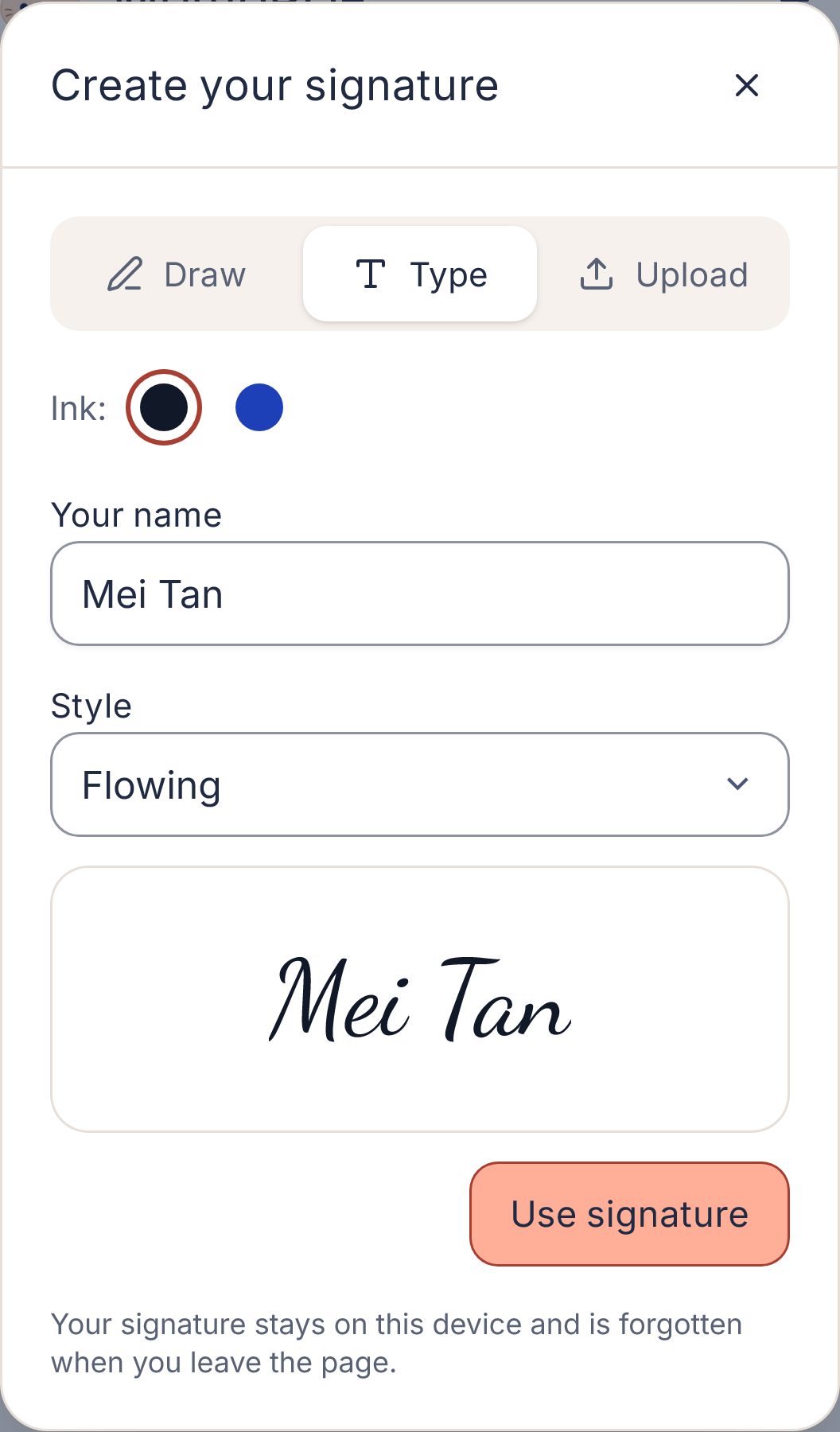
Typing your name in a handwriting style. You can also draw it with your finger. - Your signature appears on the page. Drag it into position and resize it. To add it again, tap it under “Your signature”.
- Need the date? Tap Date to add today’s date, or Text for anything else, like your printed name.
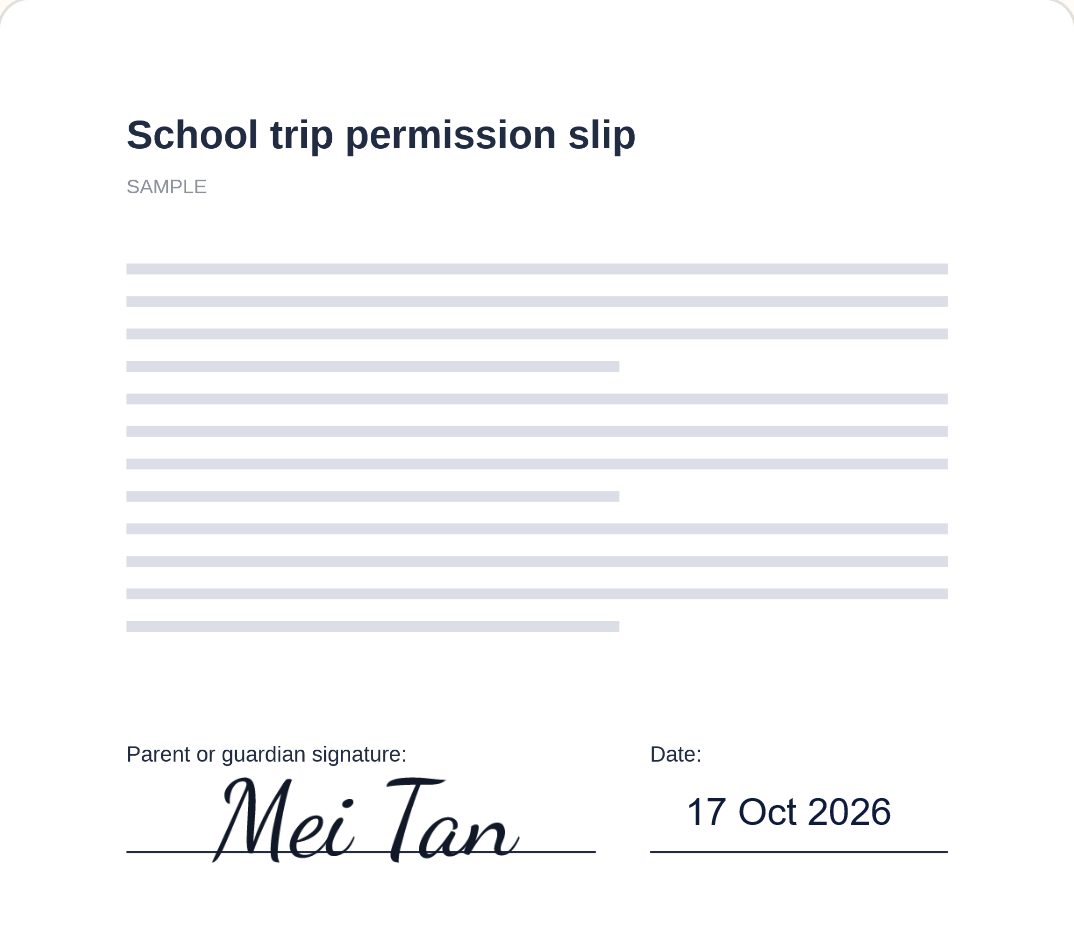
Signature and date dragged onto the lines of a sample form. - Tap Create signed PDF, then Download PDF.
Where does the signed file go?
- iPhone and iPad: the Files app, in the Downloads folder.
- Android: the Downloads folder, which you can open from your Files app.
From there you can attach it to an email or a message. See where downloads go for more.
Is a visual signature legally valid?
MomoPDF adds a visual signature: a picture of your signature on the page, like signing a printout and scanning it. That’s accepted for many everyday forms and letters.
It is not a certified digital signature, which uses an identity certificate to prove who signed and that nothing changed afterwards. If a document says it needs one (some contracts, government or banking forms do), use the signing service the sender recommends. If you’re unsure, ask the person who sent you the document.
Good to know
- Your signature isn’t saved anywhere. It’s forgotten when you leave the page.
- Filling in a PDF’s existing form boxes isn’t supported yet. You can place text anywhere on the page instead.